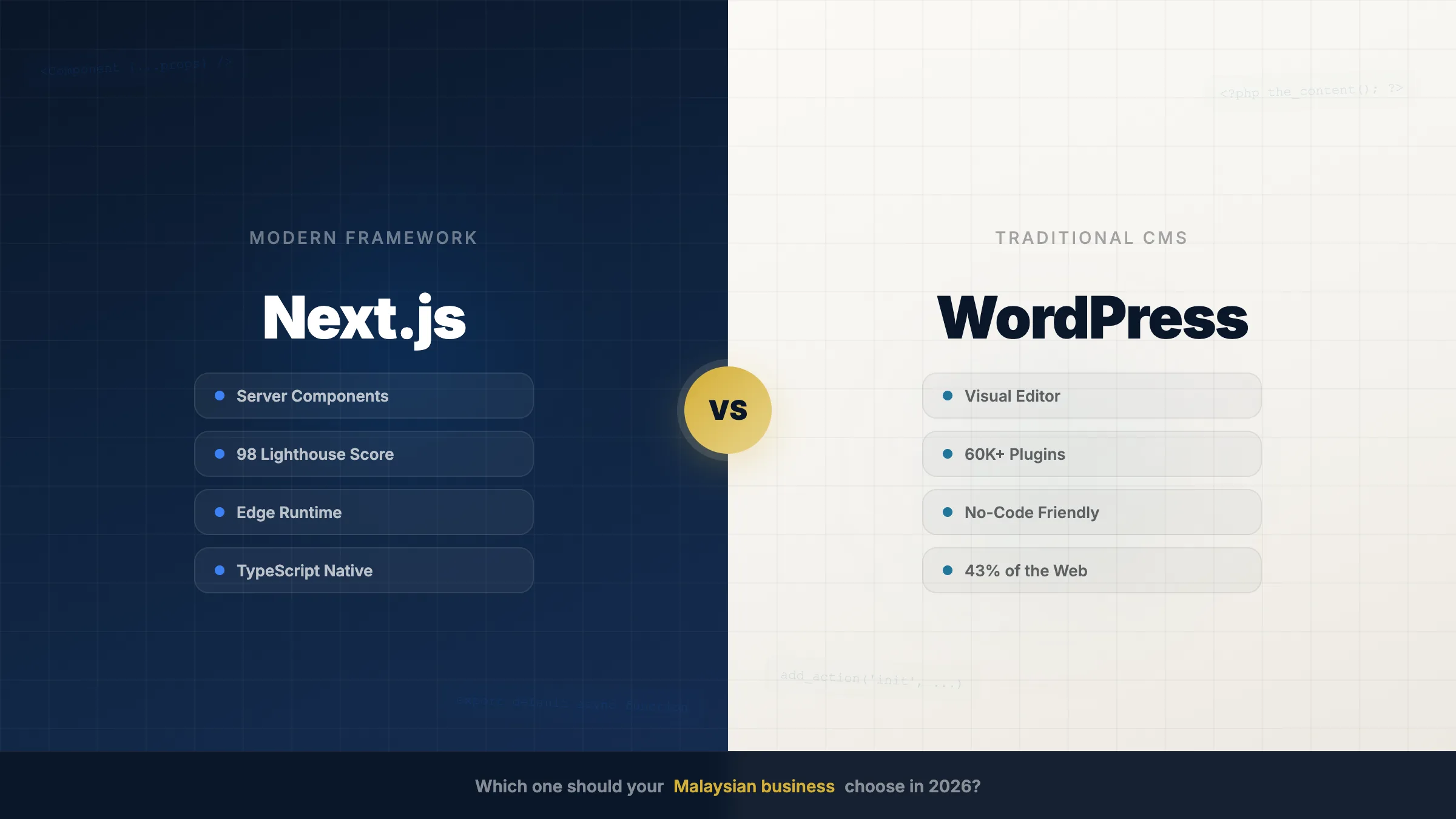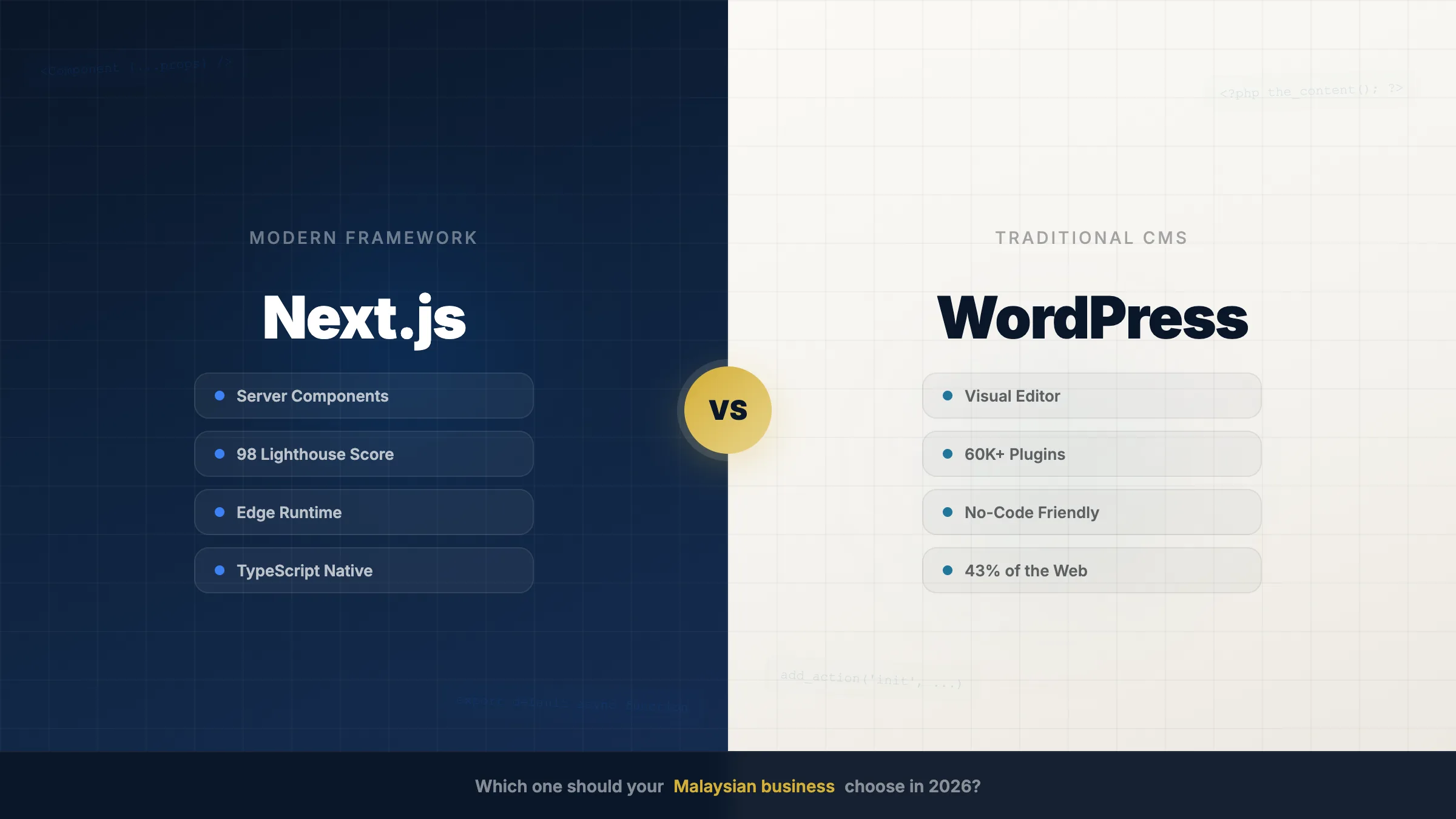
If you're talking to a website design company in Johor Bahru, you'll be pitched WordPress. It runs a huge share of the web, most agencies know it, and it's the safe recommendation.
The comparison usually then happens on speed and price. We've written both of those arguments at length — Next.js vs WordPress for the cost side and why WordPress sites load slower than they should for performance. This article is about the question that almost never gets asked in a sales meeting, and that quietly decides whether a website is still worth anything in year three:
Who is going to log into the backend every week, and will they dare to touch it?
The website nobody dares to touch
Here's the pattern we see constantly. A JB business gets a WordPress site. For the first month someone updates it. Then a plugin update changes a layout, or a menu edit breaks something on mobile, and the owner gets a call about it.
After that, nobody logs in.
Prices go out of date. The team page still lists someone who left two years ago. The "latest news" section stops in 2024. Not because the business doesn't care — because the person holding the login is quietly afraid of breaking a site they paid five figures for, and there's no safe way to find out which button is the dangerous one.
That fear has a cost, and it isn't emotional. A site that hasn't changed in three years sends exactly that signal to a customer checking you out before they call. It also sends it to Google. Content that never updates on a site that never changes is not a strong ranking position, no matter how fast the pages load.
A backend nobody wants to open is a website slowly going out of date. That's the real failure mode, and speed tests don't catch it.
What's actually on a WordPress dashboard
Log into a typical WordPress site built by an agency and here's what greets a business owner who just wants to change a phone number:
- Twenty-plus items in the left menu, most of which do nothing they need. Every plugin adds its own, so the list grows over time rather than shrinking.
- Posts and Pages as separate concepts, which makes sense to a developer and to nobody else. We've watched owners spend ten minutes hunting for a page that was filed as a post.
- A row of red update badges that never reaches zero. Applying them might fix a security hole or might break the layout, and there's no way to tell from the dashboard which it'll be.
- Licence renewal banners from premium plugins, sitting in the same visual space as the actual controls.
- Plugin advertisements — genuine upsell notices inside the tool you paid for.
- A block editor with dozens of block types, where dragging the wrong thing shifts a layout in a way that isn't obvious until you're on a phone.
None of this is a bug. WordPress is a general-purpose platform serving everyone from bloggers to enterprises, so the interface has to expose everything. The cost of that generality lands on the one person who just wanted to fix a typo.
What we put on ours instead
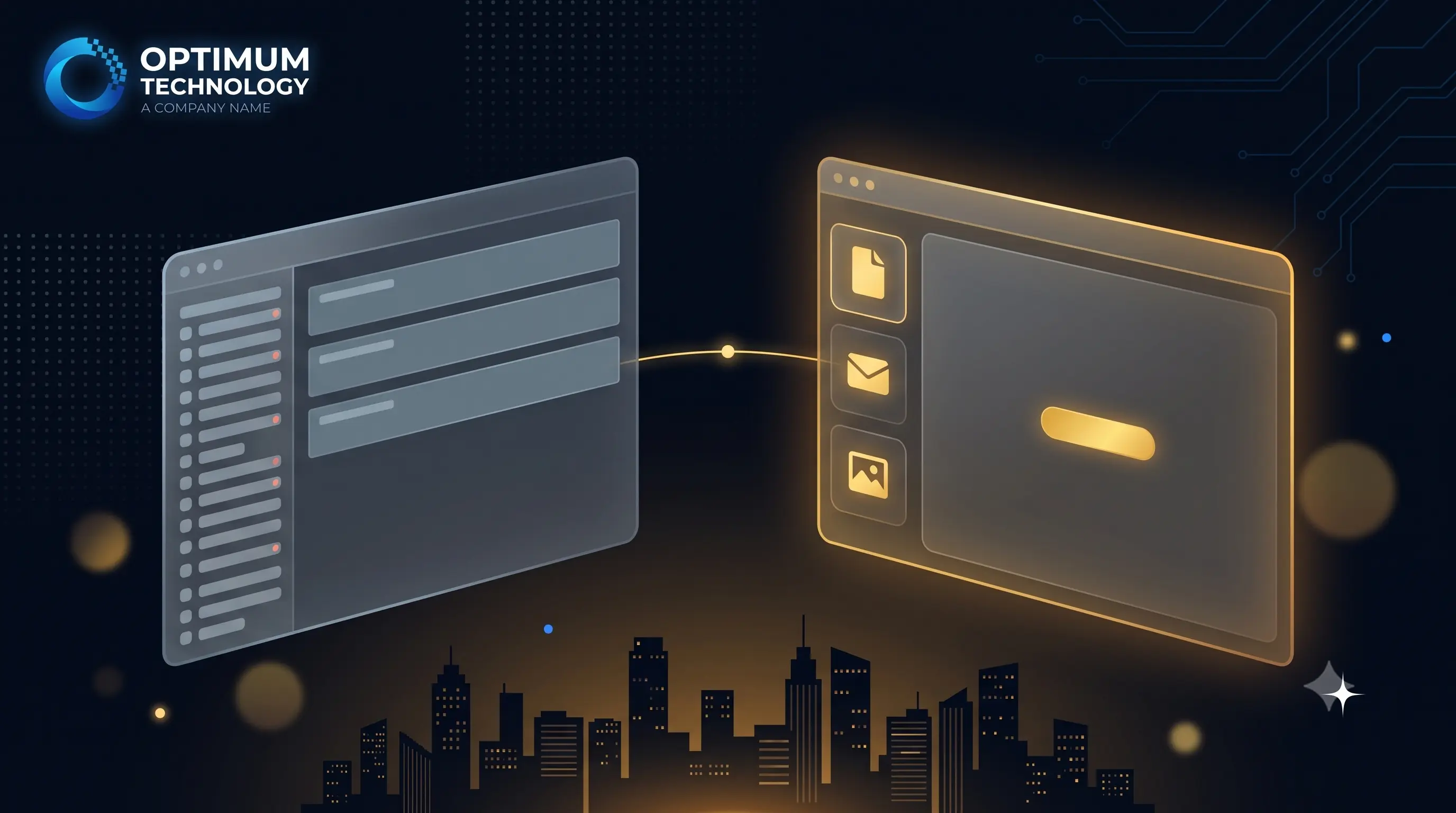
When we build on our own CMS, the backend starts from a different question: what does this specific client actually do here? After 100+ projects, the honest answer is almost always three things.
- Content. Edit the words on a page. The page is laid out the way it looks on the live site, so there's no mental translation between editing and result.
- Inquiries. See who contacted you, what they asked, and when. This is the one clients open daily, and on WordPress it's usually buried inside whichever form plugin was installed.
- Images. Swap a photo. Upload, replace, done — resizing and format conversion handled automatically rather than left as something the client is supposed to know about.
Larger builds get more — product catalogues, listings, bookings, whatever that business actually runs — but the principle holds: the backend contains what this client uses, and nothing else. There is no plugin system, so nothing appears in the menu six months later that wasn't there on day one.
The practical result: we don't run training sessions. Not because we've optimised the handover, but because there isn't enough in the interface to need one. If a backend requires a training session and a PDF, that's information about the backend.
| When you log in to… | WordPress dashboard | Custom CMS |
|---|---|---|
| Change some text | Find it — Posts or Pages? — then the block editor | Open the page, edit it where you see it |
| Check who enquired | Inside whichever form plugin was installed | Its own section, always in the same place |
| Replace a photo | Media library, plus knowing the right size | Upload — sizing and format handled for you |
| Menu items you'll never use | Twenty-plus, growing with each plugin | None — only what you actually run |
| Update badges and ads | Permanent | None — no plugin system |
| Risk of breaking the site | Real, and hard to predict | You can't reach anything structural |
| Training needed | A session and usually a document | None |
Want to see the backend before you commit?
We'll walk you through the actual CMS your team would use — not a slide deck. Ten minutes, and you'll know whether you'd be comfortable in it.
WhatsApp us for a CMS walkthrough → Free Demo · No CommitmentThe speed part, briefly
Since it's the usual headline: yes, the architecture is faster too. WordPress assembles each page from database queries on every visit, and a theme plus a dozen plugins turns that into real delay. We serve pre-rendered pages and routinely hit 95+ across all four Lighthouse categories. We migrated a Johor client whose WordPress site was taking over six seconds to load on mobile — the rebuild wasn't a tuning exercise, it was a different architecture.
We're not going to re-argue it here, because it's already covered properly with real before-and-after numbers in why WordPress sites load slower than they should and the full cost comparison in Next.js vs WordPress. Speed is the easier argument to make and the one every agency makes. The backend is the one that decides whether the site is still accurate in year three.
Fewer plugins is also a security story
The same design decision shows up in a less visible place. Every WordPress plugin is code from a third party running on your site, and each one is a way in. A site with fifteen plugins has fifteen vendors whose security practices you're trusting and whose update schedules you're depending on.
Our CMS has no plugin system, so that surface doesn't exist. That's not a claim to be unhackable — it's a much smaller thing to keep watch over, maintained by one team you can call.
When WordPress's backend is the better choice
There are real cases, and we say so on the phone.
If your team already knows WordPress, that familiarity is worth a lot — retraining people on anything, however simple, has a cost. If you want to add functionality yourself over time by installing things without a developer, the plugin ecosystem is a genuine strength and we can't match it. And if you might hand the site to a different agency later, WordPress is easier to pass on because almost everyone knows it.
The trade is control versus containment. WordPress gives you the ability to do almost anything, including the things that break it. A custom CMS removes both. Which one is right depends on whether the person logging in wants options or wants certainty.
The bottom line
Compare platforms on the thing you'll experience weekly, not the thing that shows up on a spec sheet. Ask any website design company in Johor Bahru to log you into a backend they've built and give you one task — change a paragraph on the About page. How long it takes, and how nervous you feel doing it, tells you more than a Lighthouse score.
If your current site is one you've stopped updating because you're not sure what's safe to click, that's worth fixing. See how our custom CMS works →
WordPress vs custom CMS — the weekly experience
| WordPress | Custom CMS (us) | |
|---|---|---|
| What's in the menu | Everything the platform can do | Only what you actually use |
| Editing a page | Block editor, abstract from result | Edit it where you see it |
| Where enquiries live | Inside a form plugin | A core section of the system |
| Menu growth over time | Grows with every plugin | Fixed — no plugin system |
| Update badges & upsell ads | Permanent | None |
| Chance of breaking something | Real and unpredictable | Structural parts aren't reachable |
| Training required | A session, usually a document | None |
| Third-party security surface | One vendor per plugin | No plugin system |
| Best if you want | Maximum flexibility, DIY add-ons | Certainty and a site you'll keep updating |
How to tell if your website backend is holding your business back
- Log in and time one small editOpen your website's backend and change a single paragraph on your About page. Time it from login to saved. If it takes more than two or three minutes, or you have to search for where the page lives, the interface is working against you.
- Count the menu items you don't recogniseLook down the left-hand menu and count how many sections you have never intentionally opened. On a typical plugin-heavy WordPress install this is most of them, and each one is a place to get lost or click something you shouldn't.
- Find your last five enquiriesWithout asking your developer, locate the last five people who contacted you through the site. If you can't find them in under a minute, your lead record is buried inside a plugin rather than being a core part of the system.
- Check when the site last changedLook at your prices, team page and any news section. If nothing has been updated in over a year, the barrier is almost never that the business had nothing to say — it is that logging in feels risky.
See the backend your team would actually use
Book a ten-minute walkthrough of our CMS — the real thing, not a slide deck. Content, inquiries and images, with nothing in the way. Built and supported in-house in Johor Bahru.
Book a CMS walkthroughWe've built and maintained our own CMS in-house in Johor Bahru since 2017 — across 100+ projects, we've never needed to run a training session on it.