A café owner in Mount Austin opens her phone to check her own website. She's standing in her own shop. The page loads in 4.7 seconds.
She doesn't notice — she's used to it. But the customer who searched for her café 10 minutes earlier, hungry, on 4G outside Paradigm Mall? They closed the tab at 3.2 seconds and went to a competitor.
This happens every day, to every Malaysian business running on WordPress. The owner doesn't see it. The customer never tells you why they left.
The 3-second rule (and how WordPress fails it)
Google's research is brutal: 53% of mobile users abandon a site if it takes more than 3 seconds to load. On 4G mobile — the way most Malaysians browse — this is the ceiling.
The average WordPress site loaded in 4.5 seconds in 2025 (HTTP Archive data). With 20+ plugins, a page builder, and a "premium" theme, that easily hits 6+ seconds.
So before a single word of your content reaches the customer, you've already lost half of them. The other half who waited? They scroll slower. They convert at half the rate. Your competition isn't another café down the road. It's the back button.
What "4 seconds slower" actually costs your business
Here's the math we run for every client who asks "is page speed really that important?"
Take a typical Malaysian F&B chain with online ordering:
- 1,000 online orders per month
- Average order: RM 28
- Monthly revenue from online channel: RM 28K
Google's data: every 1-second delay in load time correlates with roughly 10% drop in conversion rate. A 4-second-slower site — ~40% of potential orders never happen.
That F&B chain isn't losing 40% of RM 28K. They're losing 40% of what they could be making — closer to RM 18K/month. RM 216K/year. From speed alone.
Apply the same math to:
- An e-commerce store: cart abandonment spikes 35–50% above 3 seconds
- A property listing site: time-on-listing drops 60%, inquiries follow
- A B2B services site: form-fill conversion drops 25–40%
Page speed isn't a technical metric. It's a revenue line.
Why WordPress is architecturally slow
The reason WordPress is slow isn't bad coding. It's the architecture, baked in since 2003.
1. Database-heavy by design. Every page view triggers a chain of MySQL queries. Theme settings, menu items, widgets, plugin data — all looked up on every single request. Even with caching, you're stacking lookups on lookups.
2. Plugin overhead compounds. Each plugin you install adds CSS, JavaScript, and HTTP requests to every page. 20 plugins is normal. 30 isn't unusual. The math: 20 plugins × ~50KB extra CSS/JS each = 1MB+ of overhead before your actual content loads.
3. Page builders are speed killers. Elementor, Divi, WPBakery — they make WordPress easier to use, and they add 200–500KB of CSS/JS per page. The conveniences cost milliseconds. Milliseconds cost customers.
4. Themes carry baggage. Premium themes are built for flexibility — which means they ship with code for features you'll never use. Slider plugins, e-commerce hooks, social media widgets, animation libraries. All loading on every page.
5. No native code-splitting. WordPress loads everything for every page, even when most of it isn't used. Your contact page loads the same JavaScript as your homepage — including the booking widget you only use on one page.
You can't fix any of these with better coding. They're the architecture's defaults.
The "more hosting" myth
When agencies hear "our site is slow," they reach for the same answer: upgrade your hosting.
It rarely fixes the problem.
Premium WordPress hosting (Kinsta, WP Engine, Pantheon) costs RM 400–1,500/month. They're genuinely better than shared hosting. But the same WordPress site on premium hosting still loads in 2–3 seconds, for one reason: hosting doesn't fix architecture.
Better hardware just runs the same slow queries faster. The database lookups still happen. The plugin overhead still loads. The bundle size doesn't change.
Caching plugins (WP Rocket, W3 Total Cache) help — but they're masking the problem, not solving it. The first visitor to any page still waits for the full uncached load. After every update, the cache invalidates. Logged-in users bypass cache entirely.
We've audited Malaysian WordPress sites paying RM 800+/month for hosting and still hitting 4-second loads. The money buys breathing room. Not speed.
Wonder how fast your site actually loads?
Free 30-min speed audit. We'll run real benchmarks on your site, show you the Core Web Vitals, and tell you honestly whether it's a tuning fix or an architecture problem.
WhatsApp us for a free speed audit → Free Consultation · No CommitmentReal benchmark: same client, before and after
Here's what happened when we migrated one client's WordPress site to a purpose-built CMS on modern web architecture:
| Metric | WordPress | Purpose-built CMS |
|---|---|---|
| First Contentful Paint | 3.2s | 0.8s |
| Largest Contentful Paint | 5.1s | 1.2s |
| Time to Interactive | 6.8s | 1.5s |
| Lighthouse Performance Score | 42 | 98 |
| JavaScript Bundle Size | 2.1 MB | 180 KB |
The content didn't change. The pages didn't change. The architecture changed.
Same client, two weeks after migration: double-digit conversion lift. They didn't run a marketing campaign. They didn't add content. They just stopped losing visitors to the loading screen.
What modern web architecture does differently
The replacement for WordPress isn't "WordPress but faster." It's a fundamentally different approach.
Static-first rendering. Pages are pre-built into HTML at build time, not assembled per visitor from database queries. The user gets HTML in under 200ms, not 2 seconds.
Code splitting and lazy loading. Each page loads only the JavaScript it actually needs. Your contact page doesn't carry your booking system code. Your blog doesn't carry checkout logic.
Edge CDN delivery. Modern frameworks serve from data centers closest to the user. For Malaysian visitors, that's Singapore — usually under 30ms latency vs 200+ms from a single US-based server.
Modern image formats. WebP and AVIF cut image size by 50–70% vs JPG/PNG at the same visual quality. WordPress can do this with plugins. Modern frameworks do it by default.
Smaller everything. Where WordPress ships 2MB+ of JS per page, a well-built modern site ships 100–200KB. That's a 10–20x difference. On 4G mobile, that's the difference between a 2-second load and a 6-second load.
How to test your current site speed (5 minutes)
Don't guess. Measure.
- Run Google PageSpeed Insights. Go to pagespeed.web.dev, paste your URL, run the test. Look at the "Mobile" score (not desktop) — this is what most of your customers experience.
- Check Core Web Vitals in Search Console. If you have Google Search Console set up, go to "Core Web Vitals" under Experience. This shows real-user data from your actual visitors over the last 28 days — far more accurate than a single test.
- Test on a real 4G mobile. WiFi tests lie. Pull out your phone, turn off WiFi, open your site on 4G. Time how long until you can actually tap something. If it's more than 3 seconds, you have a problem most customers are silently abandoning.
If your mobile PageSpeed score is below 50, or your Largest Contentful Paint is over 3 seconds, you're losing visitors. The question is no longer "do I have a speed problem" — it's "what's it actually costing me, and is fixing it worth more than a tuning patch?"
Related reading
If you want to go deeper, the pillar piece on architecture is here:
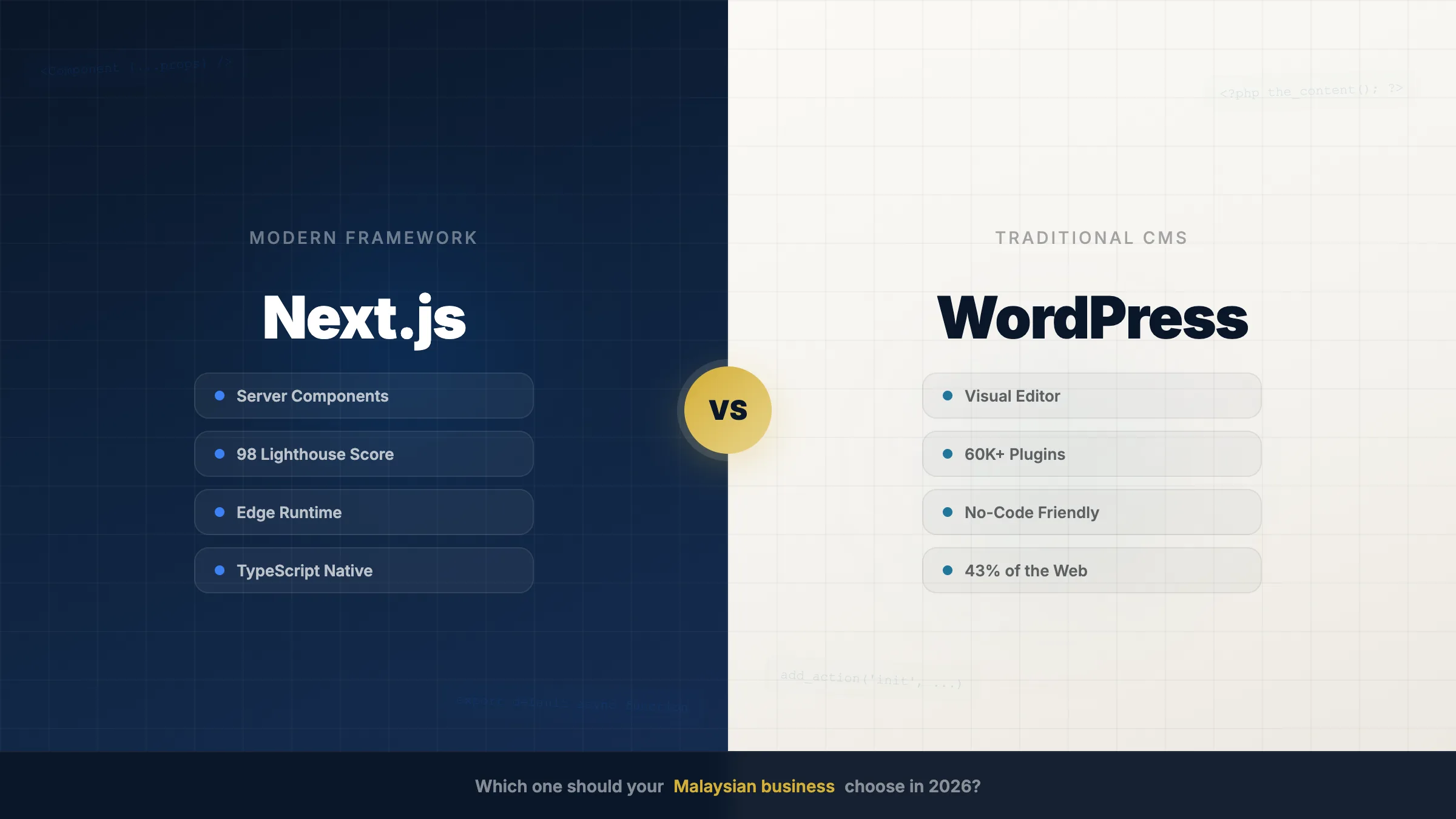
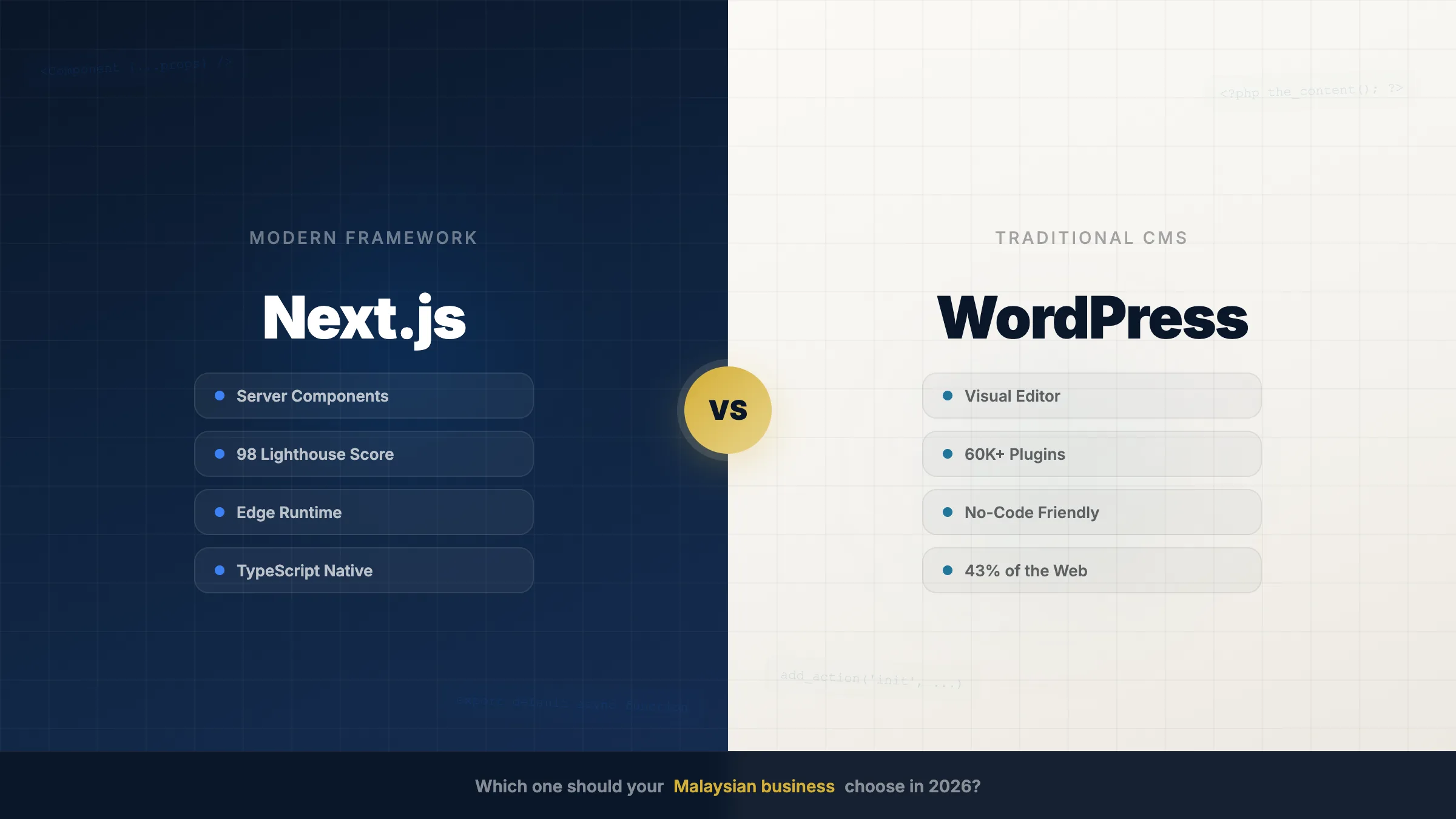
- Next.js vs WordPress: which one should your business choose in 2026? — the architectural breakdown, hidden plugin tax, and 3-year TCO comparison
- Why custom software beats SaaS for complex industries — when off-the-shelf stops scaling
The bottom line
If your business website is your shopfront — and for most Malaysian businesses now, it is — then 4 seconds of loading is 4 seconds you're closed during business hours.
WordPress isn't slow because someone built it badly. It's slow because the architecture is from a different era of the internet, when DSL was fast and mobile didn't matter.
Today, your customers browse on 4G with 30 other tabs open. They give you 3 seconds. If you're not there, they're not coming back.
The fix isn't a plugin. It's not a hosting upgrade. It's the architecture.
We'll benchmark your current site, show you the real numbers, and tell you honestly whether you need a tune-up or a rebuild. If tuning is enough, we'll tell you that too.