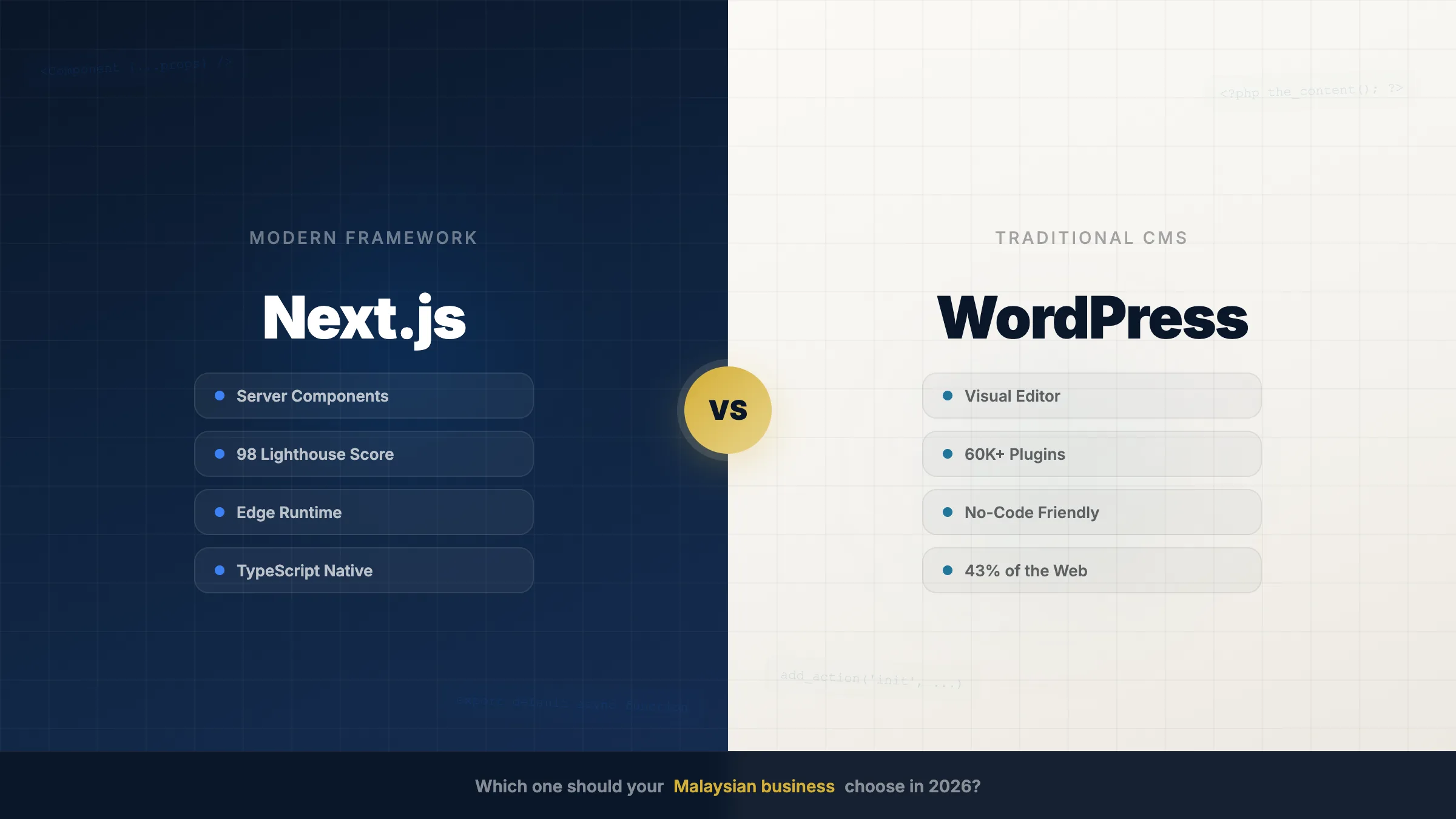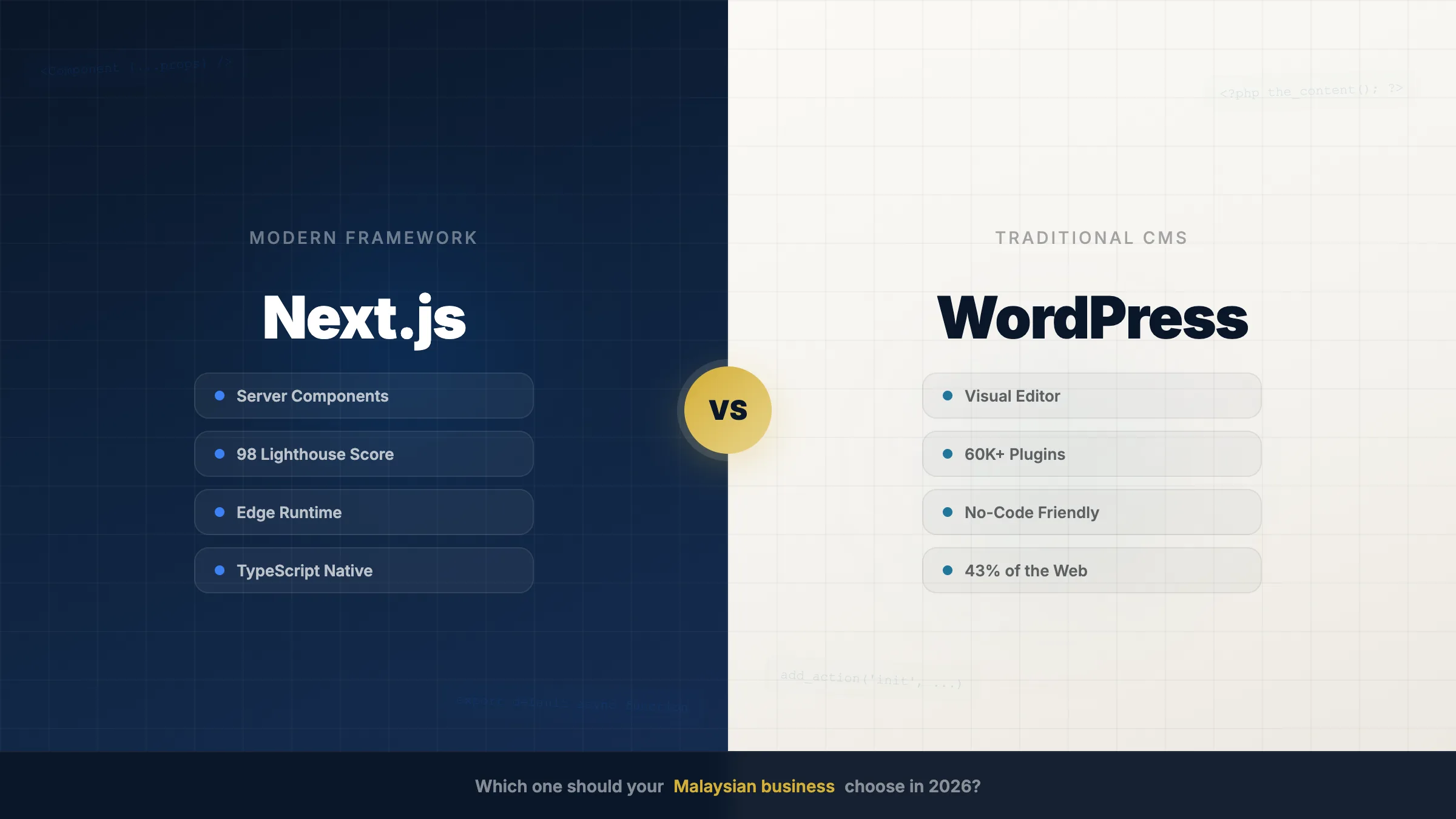
Every quarter, we sit down with at least a dozen Malaysian business owners asking the same question: "Should we build our new website with WordPress, or something more modern?"
After 9 years building software for Malaysian businesses — from cafés in Mount Austin to listed property developers like IOI, TA, and SkyWorld — we have strong opinions backed by data. This isn't a balanced "it depends" piece. It's the honest version of the conversation we have with founders every week.
The case for WordPress (when it's actually the right answer)
Let's start with what's true: WordPress powers 43% of the web for good reasons. It's battle-tested, has a massive plugin ecosystem, and any developer can pick it up.
WordPress is the right choice when:
- Your site is purely a 5-page brochure — home, about, services, contact, blog
- You don't take payments or bookings on the site
- You don't have a customer database or portal
- You don't expect 10x growth in the next 2-3 years
- You don't need MY-specific compliance (PDPA, e-invoicing, FPX)
If that's you — stop reading. WordPress is fine. Don't overpay for what you don't need.
This article is for everyone else.
When WordPress breaks down
The problems start the moment your business needs to do more than display content. Here's what we see every week:
- Performance ceiling. WordPress sites with 20+ plugins regularly score below 50 on Core Web Vitals. For SEO-dependent businesses, this directly impacts rankings.
- Security surface. Every plugin is an attack vector. We've been called in to clean up hacked WordPress sites more times than we can count. WordPress is the #1 most-hacked CMS globally.
- Custom functionality. Need a customer portal? API integration? Real-time data? You end up fighting WordPress rather than building with it.
- Scalability. Traffic spikes during campaigns or launches can bring a shared-hosting WordPress site to its knees.
- Plugin dependencies. Tuesday update breaks Plugin A. Plugin A breaks Plugin B. Your site goes down on the worst possible day.
But here's the key insight most agencies won't tell you: these problems don't go away with more money.
The architecture problem: it's not about price
There's a myth that "expensive WordPress" solves the issues with "cheap WordPress." It doesn't. The architectural limitations are the same at every price tier — they just get more expensive to hide.
| Build cost | What you get | How drawbacks show up |
|---|---|---|
| RM 300–800 | Free theme + free plugins + shared hosting + DIY | Visible — slow, frequent breakage, generic look, often hacked. Nulled themes = security disaster. |
| RM 1.5K–5K | Premium theme + premium plugins + standard hosting | Hidden — plugin tax kicks in by month 6, page speed degrades, reactive maintenance bills. |
| RM 8K–20K | Custom theme + premium plugin stack + managed hosting | Strategic — still DB-bound, plugin dependencies, scaling ceiling visible at 6-12 months. |
| RM 25K+ | Heavily customized + premium hosting + dedicated team | Architectural — WP wasn't designed for this scale, complexity compounds, vendor lock-in deepens. |
The sharper truth: cheaper WordPress doesn't have fewer problems — it has more visible problems. Every cost cut comes from somewhere: free plugins, shared hosting, no maintenance, nulled themes. The RM 500 WordPress site fails faster. The RM 50K one fails slower. Same architecture, same ceiling.
The hidden cost no one shows you
Beyond the quoted build cost, a typical SME WordPress site accumulates RM 625–1,000 per month in invisible plugin licenses, maintenance, and conflict-resolution work — that's RM 22K–36K over 3 years that never appears on the original invoice. Whatever you pay upfront, plugins accumulate cost the same way:
| Plugin category | Monthly cost |
|---|---|
| Booking plugin (Amelia Pro, etc.) | RM 80–150 |
| Form plugin (Gravity Forms, etc.) | RM 50 |
| Security plugin (Wordfence, etc.) | RM 50 |
| SEO plugin (Yoast Premium) | RM 40 |
| Backup plugin | RM 30 |
| Caching / performance | RM 50 |
| Page builder (Elementor Pro) | RM 25 |
| Various small plugins | RM 100 |
| Maintenance for plugin conflicts | RM 200–500 |
| Total hidden monthly cost | RM 625–1,000+ |
Multiply by 36 months and you're looking at RM 22K–36K in plugin tax — invisible at point of sale. The agency that quoted RM 5K showed you the iceberg's tip.
3-year total cost of ownership
When you include build + plugins + maintenance + breakage + eventual rebuild, the curve looks like this:
| Day-1 quoted price | 3-year true total |
|---|---|
| RM 500 WordPress (DIY) | RM 20–30K |
| RM 3–5K WordPress (typical SME) | RM 38–55K |
| RM 10–20K WordPress (mid-market) | RM 55–80K |
| RM 30K+ WordPress (enterprise) | RM 80–150K |
| Purpose-built CMS equivalent | RM 18–40K depending on tier |
WordPress's day-1 price is misleading. Across all tiers, you pay more by year 3.
Want the real numbers for your project?
Free 30-min consultation. We'll look at your current site, your business needs, and give you an honest TCO comparison. No deposit, no commitment.
WhatsApp us for a free consultation → Free Consultation · No CommitmentThe Next.js advantage
Next.js offers a fundamentally different approach: the performance of a static site with the flexibility of a full application framework. You're not bolting plugins onto a 2003 blog engine. You're building on infrastructure designed for modern web applications.
Performance comparison (real client migration)
Here's a real benchmark from a recent project where we migrated a client's WordPress site to Next.js (see how we built a similar platform in our iCARES smart community case study, and our deeper dive on why WordPress sites load 4 seconds slower than they should):
| Metric | WordPress | Next.js |
|---|---|---|
| First Contentful Paint | 3.2s | 0.8s |
| Largest Content Paint | 5.1s | 1.2s |
| Time to Interactive | 6.8s | 1.5s |
| Lighthouse Score | 42 | 98 |
| Bundle Size | 2.1 MB | 180 KB |
Performance is just one moat. Across architectural dimensions, Next.js (or any modern framework built on similar principles) wins:
- Speed: sub-1s page loads vs 3-8s
- Scale: handles 500K+ concurrent users architecturally vs WordPress's DB ceiling
- Stability: one integrated codebase vs plugin conflict roulette
- Security: smaller attack surface vs the most-hacked CMS in the world
- Customization: native custom logic vs plugin-dependency hell
- Single accountability: one team to call vs blame between theme/plugin/host vendors
Built for Malaysian businesses (where WordPress falls flat)
WordPress is a global platform — which is exactly why it struggles with Malaysian-specific needs like FPX, e-invoicing (LHDN), PDPA compliance, SST handling, and DuitNow. Every one of these requires bolted-on plugins that fight the core architecture. A purpose-built Malaysian CMS handles them natively. Most international comparisons miss this entirely:
| MY business need | On WordPress | On purpose-built CMS |
|---|---|---|
| FPX payment integration | 3 plugins stitched together, 2 broken | Built in, native |
| e-Invoicing readiness (LHDN) | Wait for plugin author updates | Architecturally compliant |
| PDPA compliance | Plugin-dependent, audit-fragile | Compliance-by-design |
| BM / EN / 中文 language toggle | Plugin (WPML / Polylang) — performance hit | Native i18n |
| MY public holiday calendar | Manual config | Built in |
| iPay88 / MOLPay / DuitNow | Bolted-on integrations | First-class citizens |
| SST handling | Manual or plugin | Built in |
This is the moat international comparisons miss. WordPress is "global" — which is exactly why it's not optimized for MY-specific needs. Want to see how we apply this to AI tools too? Try our free Malaysian receipt scanner built for SST + e-invoicing extraction.
Our recommendation (the honest version)
Use WordPress only for genuine 5-page brochure sites with no payments, bookings, or growth ambitions. For everything else — payments, customer accounts, SEO-driven traffic, MY compliance, or 10x growth in 3 years — choose a purpose-built CMS. The build cost is similar; the 3-year TCO is the actual decision. What we tell every founder who asks:
Use WordPress if:
- Your site is genuinely a 5-page brochure
- You don't take payments or bookings
- You don't expect serious growth in 2-3 years
- You're okay with the plugin tax in exchange for self-editing
Don't use WordPress if:
- You take payments (FPX, cards, anything)
- You manage customer accounts or memberships
- Performance matters for SEO or conversion
- You need MY-specific compliance done right
- You expect to scale 10x in the next 2-3 years
- You don't want to discover plugin breakage at 9am Monday morning
The category mistake we see most often: founders treat website-building as a price comparison, when it's actually an architecture decision. Cheap WordPress and expensive WordPress are the same architecture. The right question isn't "how much does it cost?" — it's "what's it costing me over 3 years?"
"For most of our enterprise clients in Malaysia, the upfront investment in a purpose-built CMS pays for itself within 6 months through better SEO rankings, lower hosting costs, and zero security incidents."
The middle ground: headless CMS (with a caveat)
There's a third option that's worth knowing: use Next.js (or similar) for the frontend, and a headless CMS like Sanity, Strapi, or Contentful for content management. This gives you blazing performance with a familiar editing experience for your content team.
Important distinction: "Headless WordPress" is still WordPress. Same DB, same plugin model, same architectural ceiling — just decoupled from the frontend. If you're going headless, go with a CMS purpose-built for headless from day one.
We've built several hybrid setups for Malaysian media companies and e-commerce businesses. The results have been consistently excellent. See our web development portfolio for examples.
The bottom line
If your business runs on a website — payments, bookings, customers, growth — WordPress is rarely the right architectural choice in 2026, regardless of price. The honest path forward isn't "cheaper WordPress." It's the right tool for what your business actually needs.
Want to know which side of the line your project falls on? We'll look at your business, your traffic, your roadmap — and tell you honestly whether WordPress or a purpose-built CMS is right for you. If WordPress is genuinely the right call, we'll tell you that too.