A gym with 80 members and one weekly timetable does not need the same software as a fitness brand with five outlets, hundreds of daily bookings and a dedicated marketing team.
But booking-system comparisons often start in the wrong place.
Studios open several product websites and ask:
“Which system has more features?”
A longer feature list does not automatically create a better operation. The more useful question is:
“Which type of system actually fits the way our business operates?”
For a small studio, WhatsApp and Excel may still be enough. A growing class-based business may need a simpler local booking system. A larger fitness brand may benefit from an international platform with a wider ecosystem, while a company with genuinely unusual workflows may eventually need custom development.
This guide focuses on that decision first. If you already know you need booking software and want a detailed feature checklist, our Fitness Booking System in Malaysia guide covers capacity, packages, payments, cancellations, reporting and other day-to-day features in more detail.
4 Ways a Gym or Studio Can Manage Bookings
| Approach | Usually Fits | Main Trade-off |
|---|---|---|
| WhatsApp + Spreadsheet | New or very small businesses | Low cost, but admin increases as bookings grow |
| Local Booking System | Growing Malaysian class-based businesses | Simpler local workflow, usually a narrower feature set |
| International Fitness Platform | Larger, multi-service or more complex fitness businesses | Broader ecosystem, but potentially more cost and complexity |
| Custom System | Businesses with unusual operational rules | Maximum flexibility, but higher development and maintenance responsibility |
1. Choose the Type of System Before Comparing Brands
Start with the way your business earns money and how customers use it.
A Pilates studio selling 10-class packs has different requirements from a gym selling recurring memberships. A swimming school with fixed weekly lessons operates differently from a wellness centre offering both classes and one-to-one appointments.
Before booking software demos, map the basic customer journey:
Discover → Buy → Pay → Book → Attend → Use Credit / Membership → Renew
Then identify where staff are still doing repeated manual work.
If the business only runs a few classes and staff can easily manage bookings, package balances and renewals, WhatsApp and a spreadsheet may still be perfectly workable.
Software becomes more valuable when staff repeatedly need to check capacity, remaining credits, payment status, cancellations or expiring packages across different files and conversations.
If you are still defining those basic requirements, our Class Booking System in Malaysia guide explains the core workflow in more detail.
2. Local vs International Booking Systems: What Actually Changes?
The biggest difference is not simply where the software company is based.
Local and international platforms often optimise for different levels of complexity.
Local vs International Platform
| Consideration | International Platform | Malaysia-Focused System |
|---|---|---|
| Product Scope | Often broader across booking, CRM, marketing, apps and integrations | Often focused on the core local workflow |
| Pricing | May be quoted in USD or use custom pricing | Usually easier to understand in RM |
| Customer App | Common on larger platforms | May use website-first booking instead |
| Marketing Automation | Often more advanced | Usually simpler |
| Payments | Depends on the platform and supported payment setup | May be designed around local merchant arrangements |
| Support | Usually larger support operation | Local business hours and communication may be easier |
| Multi-location | Often built for larger expansion | Depends heavily on the provider |
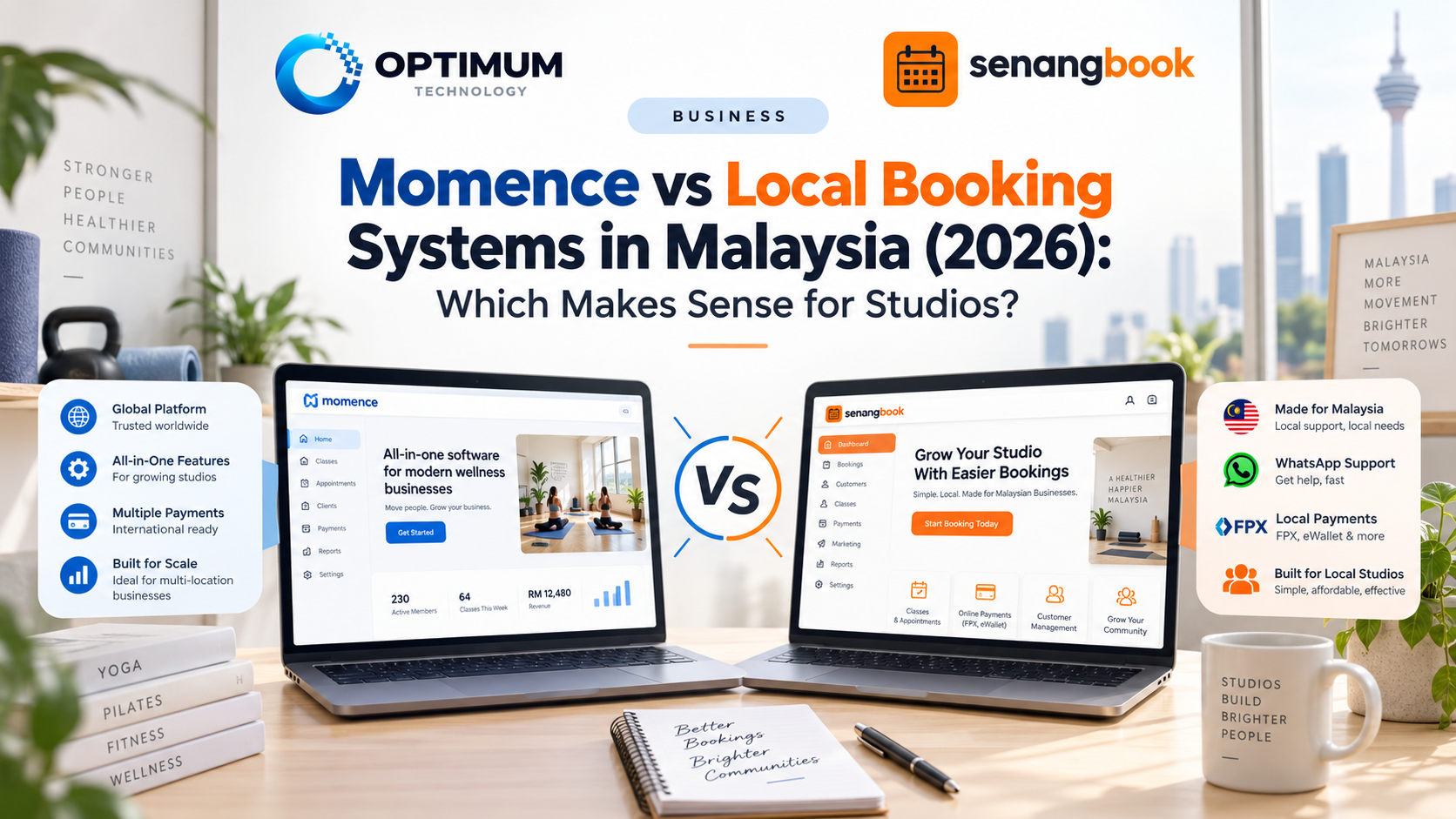
Platforms such as Mindbody, Momence and Glofox operate as broader fitness or wellness ecosystems. Depending on the provider and plan, they may combine classes, appointments, memberships, apps, marketing automation, POS, multi-location management and deeper reporting.
That capability is valuable when the business is complex enough to use it.
A smaller studio, however, may be paying for an ecosystem when its main requirement is simply:
Timetable → Package → Payment → Booking → Credit → Renewal
Neither category is automatically better. The narrower system wins when simplicity is the priority. The broader system wins when the business genuinely needs the broader capability.
We explored this trade-off with a specific platform in our Momence vs Local Booking Systems comparison.
3. Compare Total Cost, Not Just the Monthly Subscription
Booking-system pricing is difficult to compare because providers do not always charge for the same things.
The monthly subscription is only one part of the cost.
Also check:
- payment-processing fees,
- platform transaction fees,
- extra branches,
- branded apps,
- marketing or CRM add-ons,
- data migration,
- custom design,
- and the staff time required to operate the software.
A better comparison is:
Subscription + Payment Fees + Add-ons + Branches + Migration + Admin Time = Real Cost
This also means the cheapest subscription is not automatically the cheapest system.
A slightly more expensive product may still make sense if it removes more admin, reduces duplicate data entry or replaces several separate tools.
4. Decide How You Want Customers to Book and Pay
Some international platforms make a mobile app an important part of the member experience. For an established brand with frequent members, that can work well.
Other systems use a website-first approach:
Google / Instagram → Studio Website → Package → Payment → Booking
That may be simpler for a new customer who does not want to install another app before trying one class.
There is no universal winner. The correct choice depends on how often customers interact with the business and how much functionality they need.
Payments should be evaluated the same way. Do not stop at “online payment supported”. Ask:
- whose merchant account receives the money,
- which payment methods customers can use,
- whether transaction or platform fees are added,
- how long settlement takes,
- and what happens to the payment setup if you leave the platform.
Booking software sits inside a larger customer journey. The best system should make that journey easier rather than forcing customers and staff through unnecessary extra steps.
5. Think About Scale, Support and Data Before You Need Them
A one-location studio may not care about multi-branch management today, but businesses expecting to expand should check the model early.
Ask how the platform handles separate timetables, staff permissions, cross-branch packages, member access, branch reporting and additional location fees.
Support matters for the same reason. When tomorrow's timetable is wrong or customers cannot complete a booking, the important question is not whether the provider has a Help Centre.
It is:
“How do we actually get help when the business is affected?”
Data portability is another issue that looks unimportant during a demo and becomes extremely important during migration.
Before signing, ask whether member, booking and sales data can be exported, what format the export uses and what happens to your records after cancellation.
Your software provider may change over time. Your customer data should not become trapped because of that decision.
6. Give Every Provider the Same Demo Test
Do not let each provider decide what the demo should prove.
Give every system the same five scenarios and compare the actual workflow.
- “Show me how a new customer buys a package, pays and books.”
- “A member has three credits left. Show me what happens after the next booking.”
- “The class is full. What happens to the next customer?”
- “This member's package expires next week. How does staff know?”
- “If we leave next year, show me how we export our customer data.”
These five scenarios expose more about day-to-day usability than a list of 100 features.
They also make different providers easier to compare because everyone is being tested against the same business workflow.
7. Where SenangBook Fits
SenangBook sits in the local, website-first category.
It is designed for Malaysian class-based businesses such as dance studios, gyms, swimming schools, yoga studios and Pilates studios.
Its core workflow is:
Live Timetable → Package Purchase → Online Payment → Booking → Automatic Credit Tracking → Renewal Follow-up
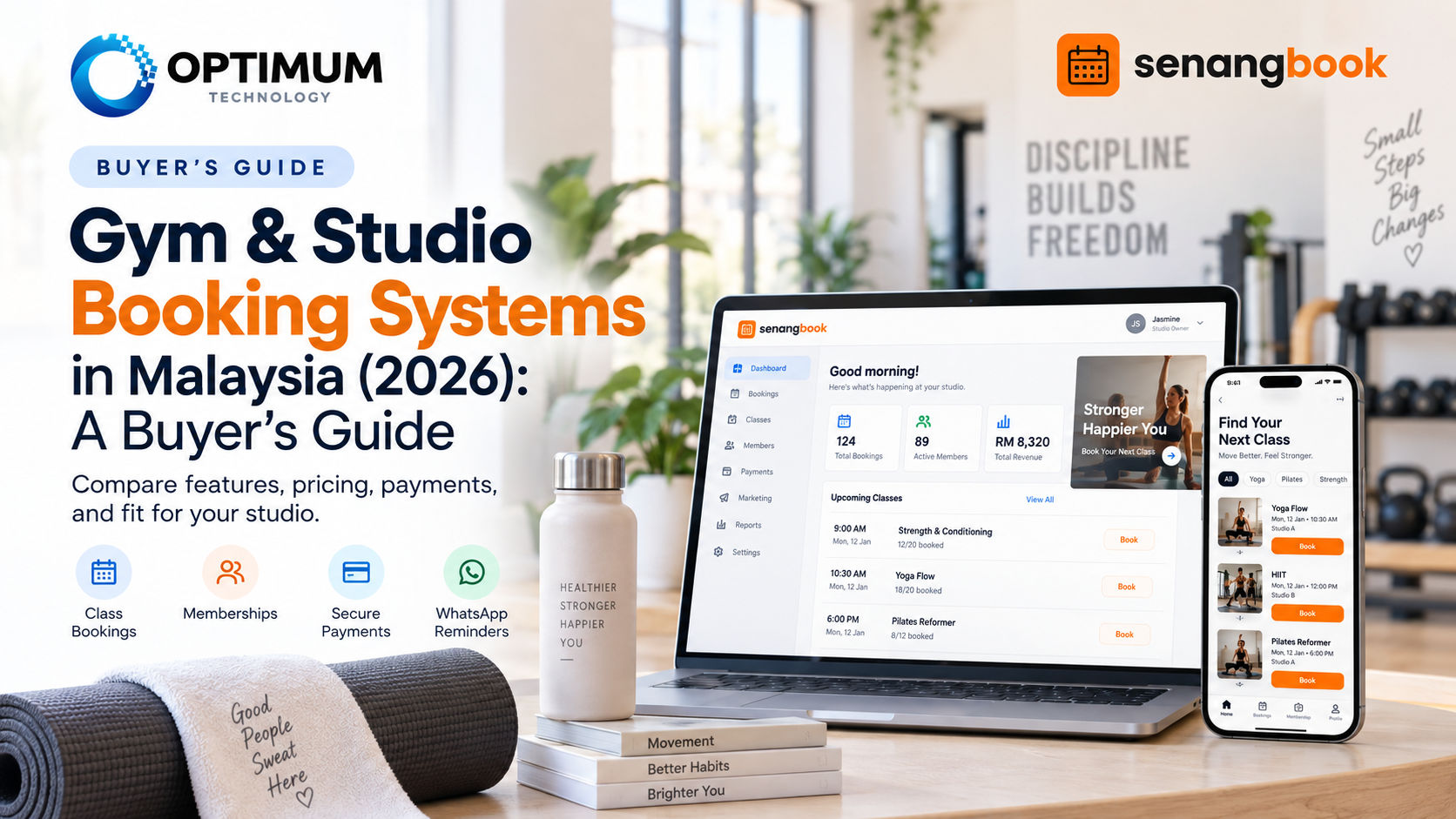
Members use the studio's own website from their phone browser rather than needing a separate app. Studios can set class capacity, package credits and validity, cancellation cut-off times and no-show rules, while the Expiring Soon list helps staff identify members who may need renewal follow-up.
Payments use the studio's own merchant setup, and studio data can be exported.
When Does SenangBook Make Sense?
| Your Situation | Fit | Why |
|---|---|---|
| Bookings still managed in WhatsApp | Strong fit | Customers can book from a live timetable |
| Credits tracked in Excel | Strong fit | Packages and credits are tracked in one workflow |
| Renewals are easy to miss | Strong fit | Expiring Soon supports staff follow-up |
| Need appointments, CRM and advanced automation | Compare first | A broader international platform may suit the business better |
| Workflow is highly unusual | May not fit | Custom development may be more appropriate |
Current public pricing is RM350 per month, or RM299 per month on the annual plan, billed RM3,588 for the year. The standard setup currently has no setup fee, and implementation is typically completed within 3–7 working days once the required content is ready.
SenangBook is intentionally narrower than a large international fitness platform. It is not designed to win a feature-count competition.
It makes the most sense when the business wants the core class workflow to become simpler without moving into a much larger software ecosystem.
Still running classes through WhatsApp and Excel?
SenangBook combines your timetable, packages, online payments, bookings, credits and renewal follow-up in one website-based system for Malaysian class businesses.
See SenangBook → RM Pricing · Own Website · Own Merchant Account · Local SupportThe Bottom Line
There is no single best booking system for every Malaysian gym or studio.
A small business may still be fine with WhatsApp and spreadsheets. A growing class-based studio may prefer a simpler local system. A larger fitness brand may benefit from the wider ecosystem of an international platform, while genuinely unusual operational requirements may eventually justify custom software.
The better buying order is:
Business Model → Manual Problems → System Category → Provider → Total Cost
Not:
Longest Feature List → Cheapest Plan → Hope It Fits
Choose the category that matches the way the business operates first. Then compare individual providers inside that category.
Booking-system features, pricing and payment structures can change. Compare the latest provider information before purchasing. SenangBook is designed for class-based operations rather than every fitness business model; studios that need a broader app ecosystem, advanced appointment management or highly customised workflows should compare other platforms before deciding.